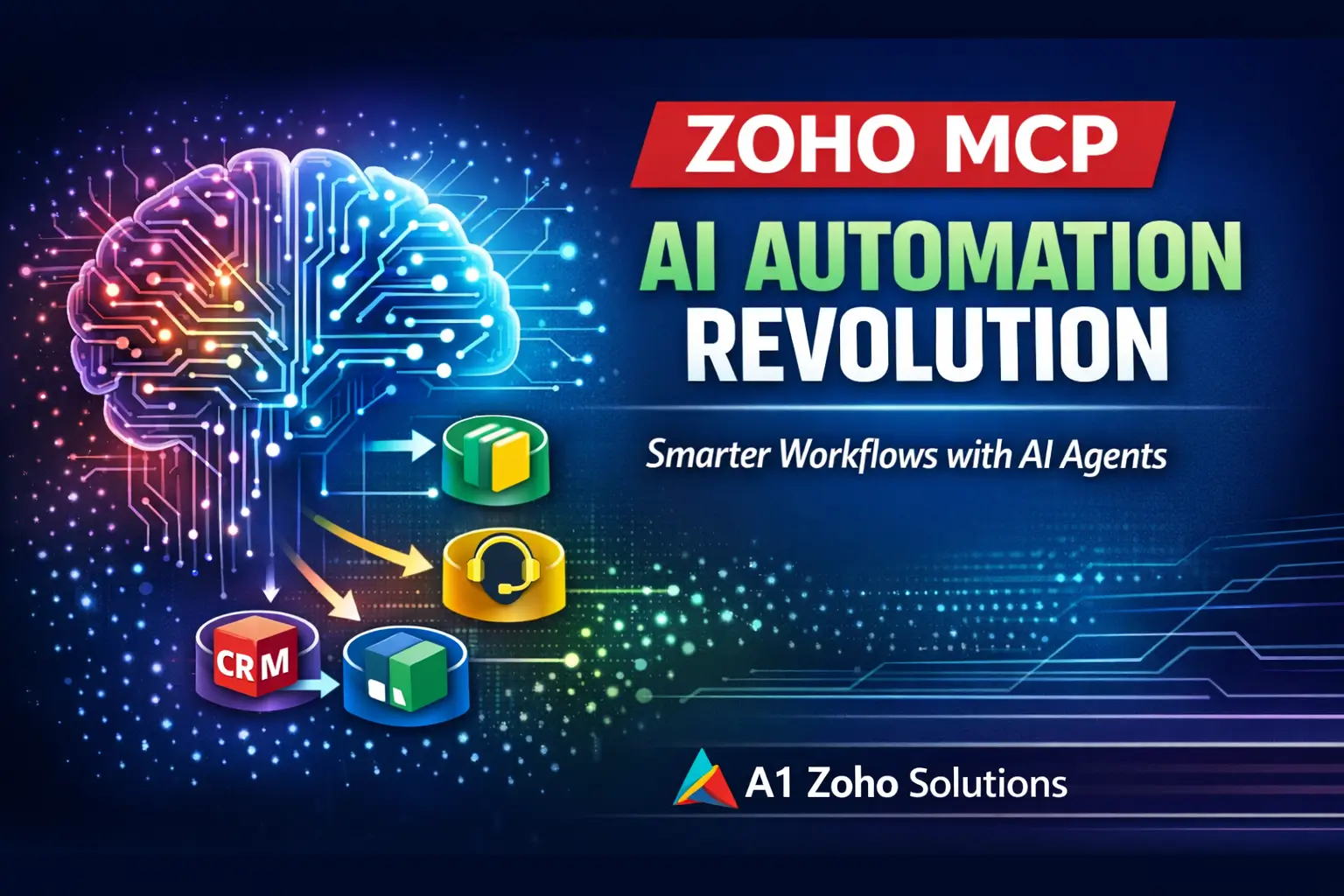
Artificial Intelligence in business is evolving rapidly. Traditional automation and chatbots are no longer sufficient for modern workflows.
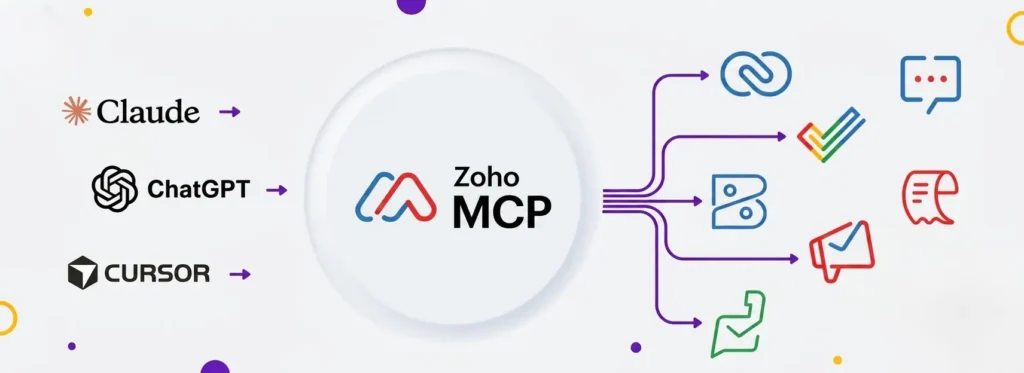
Zoho MCP (Model Context Protocol) introduces a new paradigm – where AI doesn’t just assist, but acts, decides, and executes workflows across your Zoho ecosystem.
In this guide, you will learn:
- What Zoho MCP is and why it matters
- How MCP architecture works (Host, Client, Server)
- Step-by-step execution flow
- Real-world Zoho use cases
- Technical advantages for developers
- How to start using Zoho MCP in your business
What is Model Context Protocol (MCP)?
The Model Context Protocol (MCP) is an open standard introduced by Anthropic (Claude AI) in late 2024.
Why MCP is Important
Traditional AI systems operate in isolation. MCP changes that by enabling:
- Direct communication between AI models and business tools
- Structured data exchange
- Real-time execution of actions
Key Benefits:
- Eliminates data silos
- Enables AI interoperability
- Avoids vendor lock-in
- Standardizes AI-to-tool communication
MCP Architecture Explained
Zoho MCP follows a 3-layer architecture:
1. Host (AI Interface)
- Example: Zoho Zia, ChatGPT, Claude
- Handles user interaction and prompts
2. Client (Connector Layer)
- Acts as middleware
- Discovers tools and sends requests
3. Server (Execution Layer)
- Provides access to:
- Zoho CRM
- Zoho Books
- Zoho Desk
- External APIs
What is Zoho MCP?
Zoho MCP is Zoho’s implementation of the Model Context Protocol.
It enables AI agents to:
- Access business data
- Understand context
- Execute real actions inside Zoho apps
Instead of switching between apps, AI handles everything.
What Can Zoho MCP Do?
Example Workflow
User Prompt: “Summarize customer complaints and create a high-priority ticket.”
What Happens Internally:
- Fetch emails from Zoho Mail
- Analyze CRM history
- Create ticket in Zoho Desk
- Assign priority and notify team
All executed automatically via MCP
Zoho MCP vs Traditional Automation
| Feature | Traditional Automation | Chatbots | Zoho MCP |
|---|---|---|---|
| Logic Type | Rule-based | Conversational | Context-aware AI |
| Flexibility | Low | Medium | High |
| Execution | Limited | None | Full |
| Learning | Static | Limited | Adaptive |
Zoho MCP vs AI Agents
- AI Agent = Brain (Decision Making)
- Zoho MCP = Hands & Nervous System (Execution Layer)
Without MCP → AI gives suggestions
With MCP → AI performs actions
Technical Features of Zoho MCP
1. Model-Agnostic Design
Supports multiple AI models:
- GPT
- Claude
- Open-source LLMs (LLaMA)
2. Enterprise-Grade Security
- OAuth-based authentication
- Role-based access control
- Secure API execution
3. Schema-First Development
Developers define:
- Tool capabilities
- Data structure
- Execution logic
4. No-Code Playground
- Test MCP workflows
- Validate API connections
- Debug automation flows
How Zoho MCP Works (Step-by-Step)
Step 1: User Prompt
User sends instruction via AI interface.
Step 2: Context Gathering
MCP fetches relevant data from:
- Zoho CRM
- Zoho Books
- Zoho Projects
Step 3: API Execution
AI triggers actions using MCP server.
Step 4: Response Delivery
System confirms execution and returns results.
Real Business Use Cases
Sales Automation (Zoho CRM)
- Update lead status
- Schedule meetings
- Auto-log interactions
Marketing Automation
- Analyze customer segments
- Generate campaigns in Zoho Campaigns
- Personalize email content
Customer Support (Zoho Desk)
- Auto-resolve tickets
- Escalate issues
- Assign agents dynamically
Finance (Zoho Books)
- Generate invoices
- Track payments
- Send reminders
Zoho MCP Integrations
Native Zoho Apps
- Zoho CRM
- Zoho Desk
- Zoho Books
- Zoho Cliq
Third-Party Integrations
Supports 500+ apps:
- Microsoft Teams
- GitHub
- Stripe
- Notion
- Twilio
Why Your Business Should Adopt Zoho MCP
1. Increased Productivity
- AI executes tasks autonomously
- Reduces manual effort
2. Better Decision Making
- Real-time contextual data
- Unified business view
3. Reduced Context Switching
- No need to jump between apps
4. No Extra Subscription
- Available within Zoho ecosystem
Implementation Strategy (Best Practices)
For Developers:
- Use Deluge + REST APIs for custom extensions
- Define MCP schemas clearly
- Test workflows in Playground
For Businesses:
- Start with one department (Sales/Support)
- Automate repetitive workflows
- Gradually scale across departments
Conclusion
Zoho MCP is not just another feature – it is a fundamental shift in how businesses use AI.
Instead of:
- Switching between apps
- Writing complex workflows
You now:
- Give instructions
- Let AI execute
This is the future of AI-driven business automation in Zoho One.